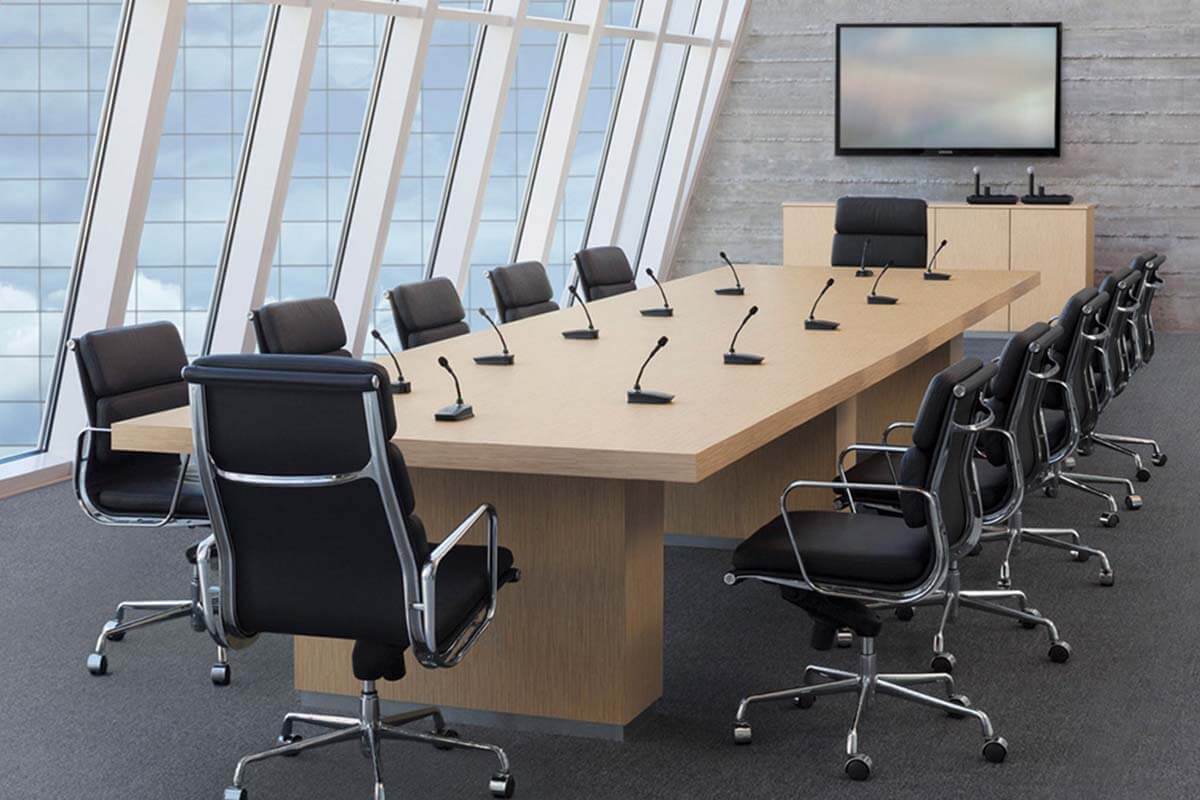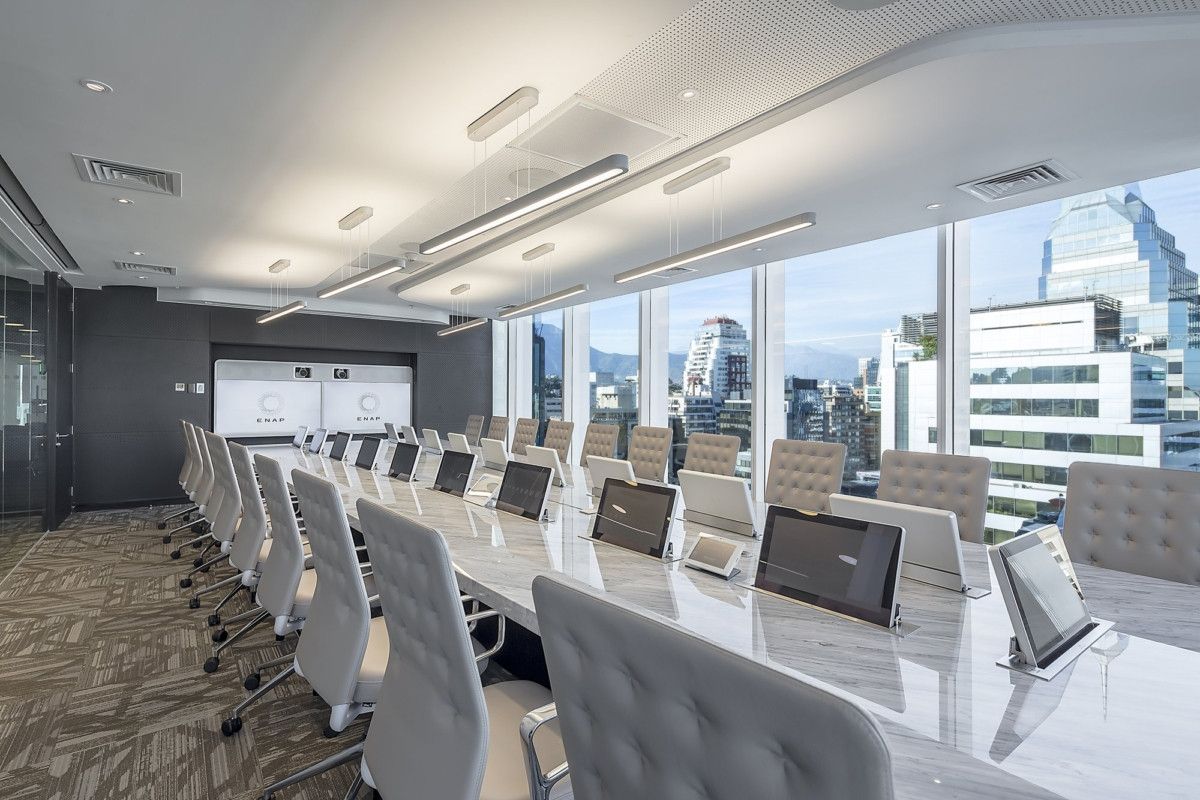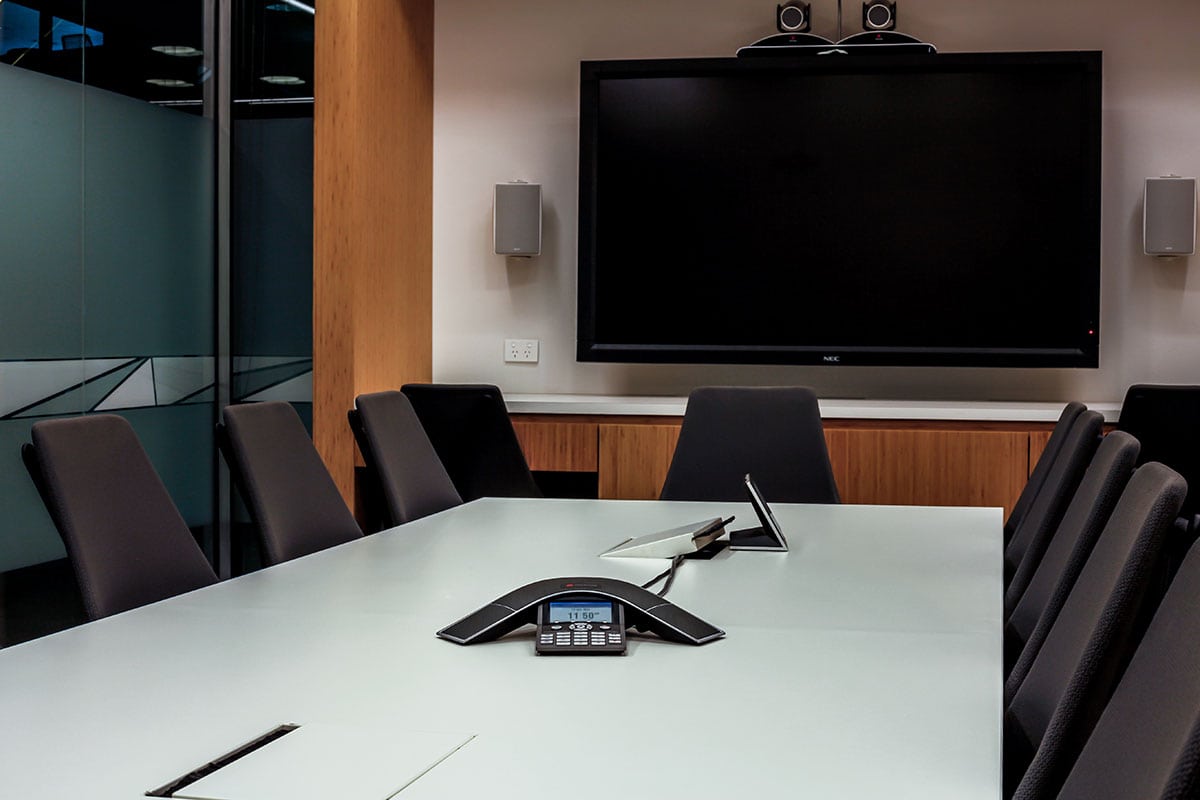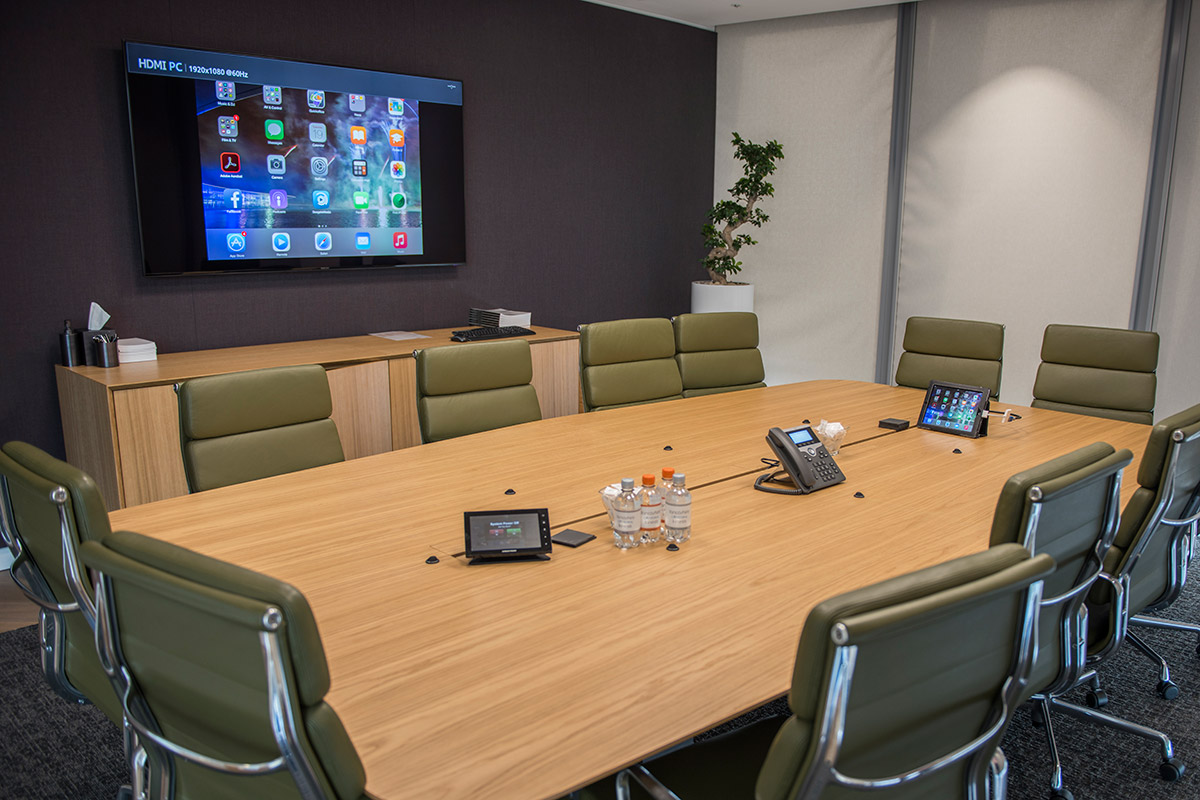
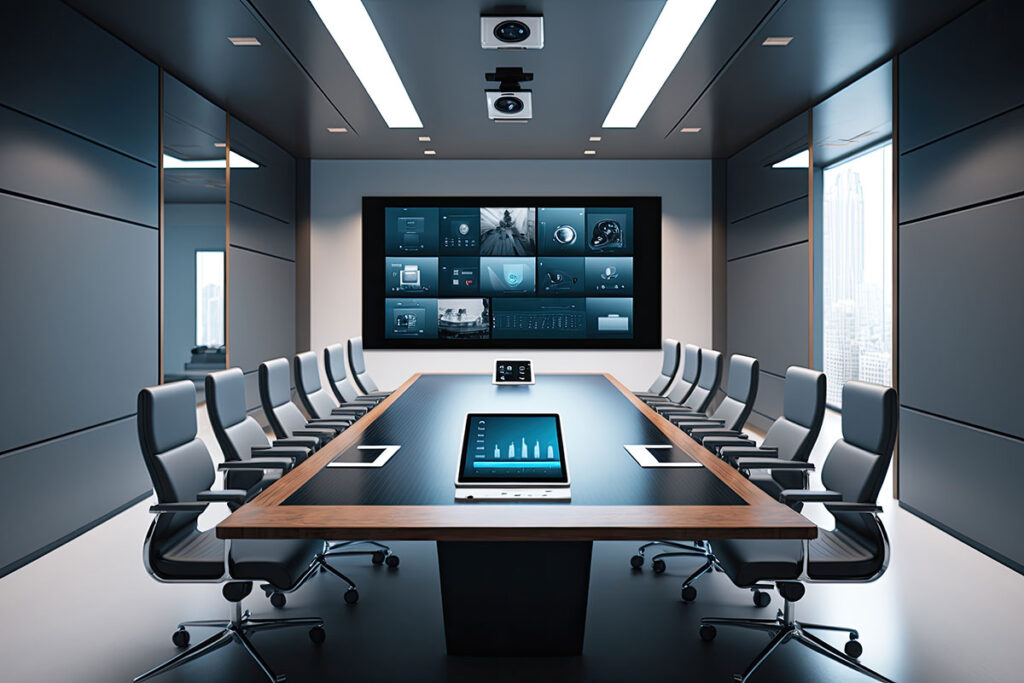
Give your team a meeting room where people can hear the conversation, see the screen and share their work. We design, install and upgrade conference room AV on Long Island, including microphones, cameras, displays, room controls and cabling.
Whether you’re setting up a new space or improving an existing room, we start with a room assessment to plan the system around your layout, meeting platform and daily use. We work with businesses across Nassau County and parts of Suffolk County.
Your seating layout, presentation needs and meeting habits shape the equipment we recommend. During the assessment, we review the room’s size, surfaces, lighting and laptop connections, whether you’re planning a small meeting space, a standard conference room or an executive boardroom.
A small huddle room may suit an all-in-one camera and audio bar. A longer conference table may need separate microphones, speakers and a different camera position. If your furniture moves between meetings, we plan coverage for those layouts too.
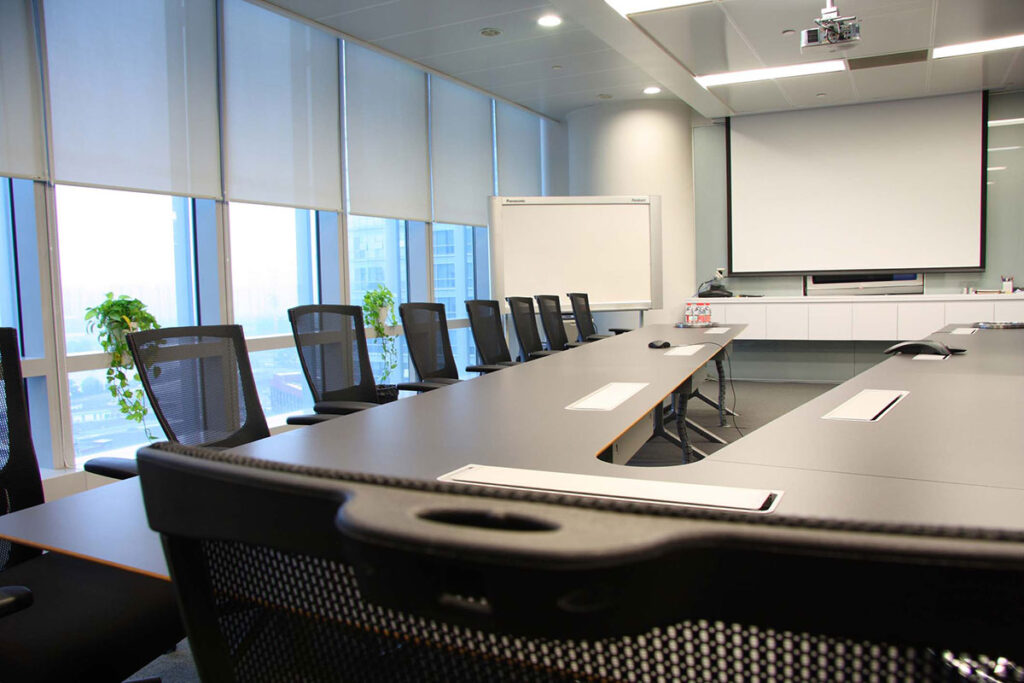
If your current room is difficult to use, we assess the problem before recommending replacements. Poor microphone pickup, awkward laptop connections or a camera that misses part of the table may call for targeted changes.
We review which displays, cables and other components can stay, what needs upgrading and how the proposed equipment will work together. You can discuss a focused upgrade or a full room installation based on your needs and budget.
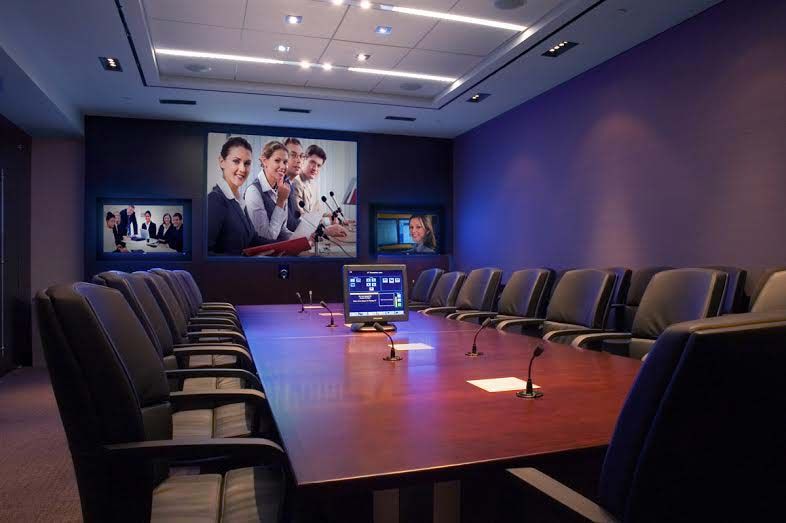
We select and position microphones around the people using the room, including those sitting at the far end of the table. Speaker placement is planned alongside microphone coverage so remote voices can be heard throughout the seating area.
Background noise, ventilation and hard surfaces can affect speech clarity. We assess these conditions when planning tabletop or ceiling microphones, speakers and any needed audio processing.
We position cameras to capture your seating area and plan display size, viewing angles and any window shading needed to manage glare. A room used for detailed spreadsheets may need a different display arrangement from one used mainly for video calls.
Your installation can include:
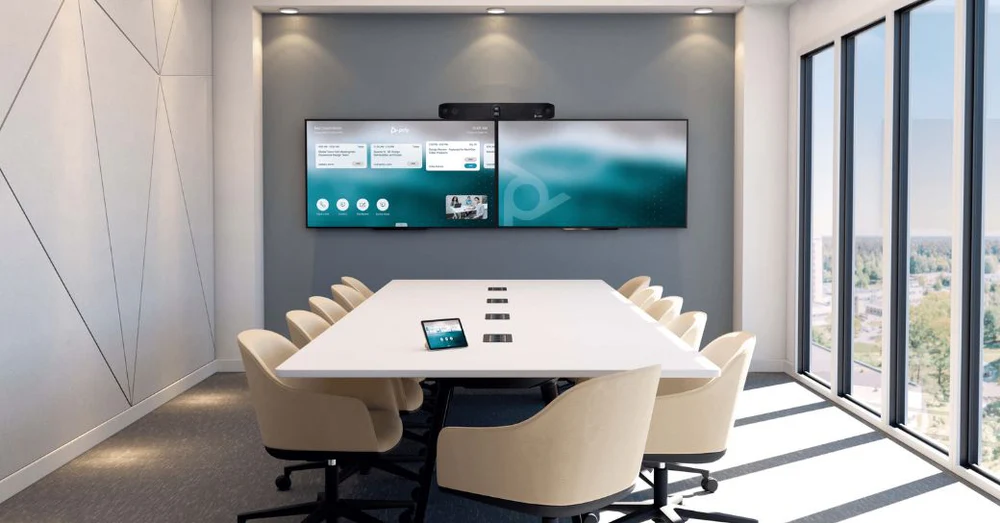
We help you choose a conference room setup that fits your staff, visitors and IT requirements. Meetings can run from a connected laptop, a dedicated room system or both, where the equipment supports it.
| Setup | How You Use It | When It May Fit | What We Confirm |
|---|---|---|---|
| Bring your own device (BYOD) | Connect your laptop to the room’s camera, audio and display, then run the call from your own account. | Teams with visiting presenters or several meeting platforms. | Laptop connections, device permissions and access to room equipment. |
| Dedicated room system | Use the room console to join scheduled meetings through a room account. | Teams that regularly use one main meeting platform. | Room account, required licenses and support responsibilities. |
| Combined setup | Use the dedicated system for everyday calls and a laptop connection when needed. | Offices that need a regular setup plus a guest option. | Supported connections and how users switch between them. |
We work with Logitech Rally, Poly Studio, Yealink and Neat systems. The final equipment choice depends on your room, video conferencing setup and required features.
We coordinate cabling and equipment racks and any required network improvements with your IT team or IT provider. Before work starts, we agree who handles network access, room accounts, equipment updates and ongoing support.
| Area | Responsibility To Agree | What To Confirm |
|---|---|---|
| Network connection | Your IT team or provider. | A working connection and approved network settings. |
| Room account and licenses | Your IT team or account owner. | Required accounts, licenses and sign-in access. |
| Updates and remote access | Your IT team and installation team. | Access permissions and who manages updates. |
| Ongoing support | Your IT team, room owner and installation team. | Who handles room equipment, platform issues and service requests. |
Your quote is based on the room, the equipment you need and the work required to install and configure it. We review existing infrastructure and your preferred meeting setup before defining the scope.
We also discuss when the room needs to be available for installation and testing, so you can plan around your meeting calendar.
We test the installed system using the meeting and presentation functions agreed for your project. The checks focus on how your staff will use the room.
At handoff, we review the agreed equipment records and support arrangements with your room owner.
 Posted on Google
 Goli & Adel Nagi
Trustindex verifies that the original source of the review is Google.
I recently had Audio Video Long Island come in to completely upgrade our home’s tech and entertainment system, and the experience was amazing from start to finish. Their team installed a beautiful custom TV wall, clean wire-free media setups, smart thermostats, and a wall-mounted iPad control station. Everything in our home TVs, audio, lighting, thermostats, and more is now fully automated and controlled through one simple app. Every install looks sleek, modern, and seamless, and you can tell they take pride in making the home look elevated, not cluttered. The attention to detail is unmatched straight lines, perfect placement, hidden wiring, and super clean finishes. Having everything in one app has made life so much easier. No more juggling remotes or apps I can adjust the temperature, turn on the TV, switch the audio, or check cameras all from one place. If you want a luxury quality smart home setup that’s done right the first time, Audio Video Long Island is the company to call. Highly recommend!Posted on Google Dental ConceptsWe recently had Audio Video Long Island install security cameras throughout our dental office, and the experience was outstanding from start to finish. The installation was quick, clean, and completely professional. They walked us through everything, made sure every angle was covered, and set us up to view our cameras right from our phones with no hassle. The picture quality is crystal clear, and it already gives our team and patients a greater sense of safety. I highly recommend Audio Video Long Island to any business looking for reliable, modern security solutions.Posted on Google
 Ilana AllayevNeeded a whole new camera system at my office and business. Both jobs were done so well and efficient. They are so easy to work with and are always available to address any issues you have highly recommend!Posted on Google
 David BalaganWe couldn’t be happier with the full AV and security setup for our bar. We hired this team to handle everything for our new bar — projector and TV installations, a multi-zone professional audio system, POS setup, alarm system, and all the security cameras throughout the space. They took care of the entire build from start to finish, and the results are incredible. The TVs and projector look amazing, the audio is crystal clear in every zone, and our POS runs flawlessly. The security system gives us full coverage and peace of mind, and the whole network is fast and reliable. They really knew how to design the space to match our needs and kept everything clean and organized. If you’re opening a bar or upgrading your setup, this is the team you want. Professional, responsive, and seriously skilled. Highly recommended.Posted on Google
 Rachel ZavAudio Video Long Island set up our home theater and did an amazing job. The projector, screen, and sound system look and sound great. The whole setup is easy to use, and movie nights feel so much better now. They were professional, quick, and very clean with their work. I’m really happy with how everything came out. Highly recommend!Posted on Google
 David YvAudio Video Long Island did an amazing job setting up my home cameras, alarm system, and full smart-home control. Everything is now connected in ONE easy app cameras, thermostat, doors, lighting and it makes daily life so much easier. I love being able to check the cameras, adjust the temperature, or unlock the door right from my phone. The installation was clean, professional, and they explained everything step by step. Highly recommend if you want your home to feel safer, smarter, and more convenient!
Tell us about your meeting room, including your office location, approximate seat count and preferred meeting platform. Room photos or a floor plan help us understand the space before a visit.
If you’re replacing an existing setup, describe what is causing problems. For a new room, share your planned layout, IT contact and move-in or renovation schedule.
Installation time depends on cable access, mounting work and the equipment being fitted. A room with usable wiring generally needs less site work than one requiring new cable routes. We confirm the expected schedule after assessing your room, including configuration and testing.
Conference room AV can be installed in a leased office when the work meets your lease and building requirements. Before mounting displays or running cables, check with building management about alteration approvals, contractor access and permitted work hours. Share those requirements during planning.
Conference room AV can sometimes be installed without cutting the floor, using surface-mounted cable channels or a low-profile floor raceway. The route needs to suit your flooring, table position and walkways. Wireless screen sharing can reduce some connections, but equipment still needs power.
A regular TV may suit occasional presentations. For daily office use, operating-hour ratings, input controls and commercial-use warranty terms also matter. Some consumer TV warranties exclude business use, so the display model and manufacturer’s terms should be checked before deciding to reuse it.
Better microphones do not soundproof a conference room. They can improve what remote participants hear, but they do not stop conversations carrying through walls, doors or ceiling gaps. If speech privacy matters, sound isolation needs a separate assessment from microphone coverage and echo control.
Several meeting rooms can use a consistent control layout while having different equipment. We can plan familiar ways to start meetings, share content and adjust volume across your rooms, with cameras, microphones and displays selected for each space.