
If your Wi-Fi drops upstairs, your TV buffers or your home office gets a weak signal, a faster internet plan may leave the same problems in place. Whole home Wi-Fi installation starts with your layout, the devices you use and the wiring already in your property.
We assess, design and install home and business networks across Long Island, including Nassau and Suffolk Counties. After reviewing where coverage falls short, we recommend the equipment, placement or wiring changes that fit your space and identify what can be reused.
Fast internet and your home network play different roles. Your provider supplies the connection; your router and access points distribute it. Walls, floors, placement and wireless interference affect what reaches each room.
A coverage assessment checks where the connection struggles and what you’re using there. An upstairs video call may need a different investigation from a TV buffering beside the router.
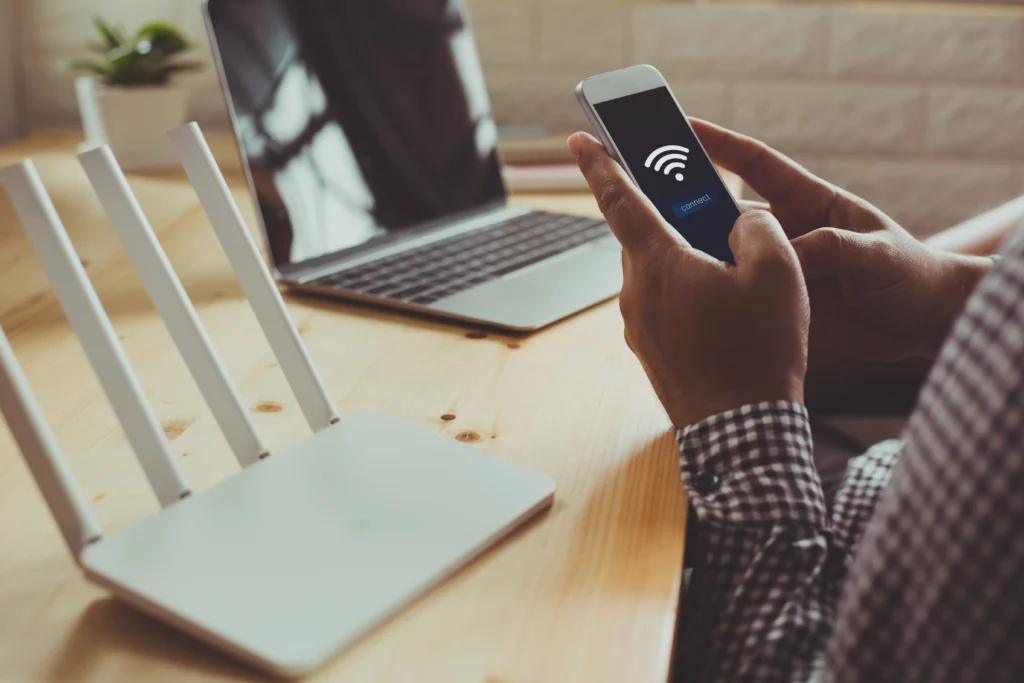
| What you notice | What the assessment checks | Changes that may help |
|---|---|---|
| Weak Wi-Fi in an upstairs bedroom | Distance from the access point, floor materials and interference | Better placement or an additional access point |
| A TV that keeps buffering | The TV’s connection, network congestion and internet performance | A wired connection or changes to nearby Wi-Fi coverage |
| Good speeds over Ethernet, slow Wi-Fi | Wireless settings, equipment capacity and device limits | Configuration changes or more suitable wireless equipment |
| Smart devices disconnecting | Signal strength, compatibility and network settings | Adjusted settings or improved coverage near the devices |
| Weak signal on the patio | Building materials, distance and outdoor mounting options | A suitable outdoor access point or another connection plan |
Wired access points often suit homes with usable Ethernet wiring. Mesh Wi-Fi can use Ethernet too, or connect wirelessly where cabling is impractical. The choice depends on your layout, wiring and network demand.

| Network approach | When it can fit | What to check before choosing |
|---|---|---|
| Wired access points | Homes or offices with usable Ethernet, or practical routes for new cable | Cable condition, access point locations and installation access |
| Mesh with Ethernet connections | Homes where compatible mesh units can connect through existing wiring | Wired-backhaul support, cable routes and power at each unit |
| Mesh with wireless connections | Areas where new wiring is difficult or disruptive | A strong connection between units, interference and available capacity |
If you have unused Ethernet wiring, checking where it leads and whether it works helps identify what can be reused and where new runs are needed.
Ubiquiti UniFi is one of the platforms we use for home and business networks. Compatible access points, switches and gateways can be managed together across several rooms or floors.
For your UniFi installation, we plan the equipment, connections and configuration around your property. The project scope should identify:
We discuss account ownership and remote access before installation, including who can change settings and provide support.
Camera and door-access work need their own installation scope, even when they use UniFi. Their network requirements can be planned alongside the Wi-Fi.
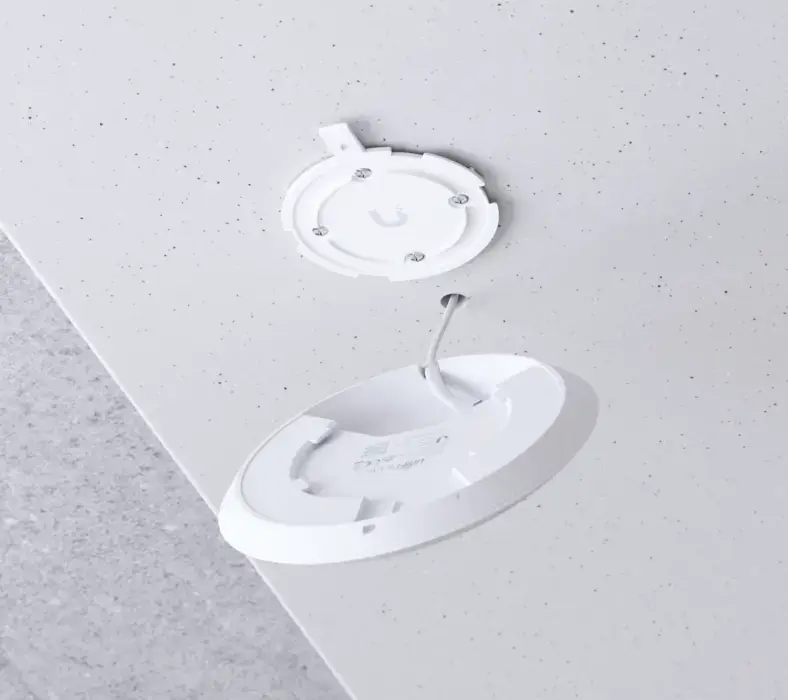
The equipment list depends on your rooms, devices and existing network. A gateway routes traffic between networks, a switch adds wired connections, and access points provide Wi-Fi. Some products combine these roles.
Faster access points can be held back by the rest of the network. We base equipment recommendations on switch connections, power requirements and existing devices, with a clear reason for each upgrade.
A larger home may need several access points positioned around its floors and living areas. A detached building also needs a reliable connection back to the main network. Better signal inside the pool house will not solve a weak link between the buildings.
For a garage, studio, workshop or pool house, the assessment considers:
A cable connection or wireless building link may be suitable, depending on the property. The route, equipment and installation work need to be assessed together before an option is recommended.
Planning cable routes during a new build or renovation, before walls close, gives you more placement options and can reduce later disruption.

We design your home network around the devices you use together, from video calls and streaming to security cameras and smart-home controls. The assessment helps us plan access point placement and capacity for your daily use.
Where practical, we install wired connections for desktop computers, game consoles and compatible media-room TVs, leaving more wireless capacity for mobile devices. In a dedicated home theater, we also account for streaming players, displays and control equipment.
Planned home automation is included in the network design, with connections configured around the devices that need to communicate with one another.
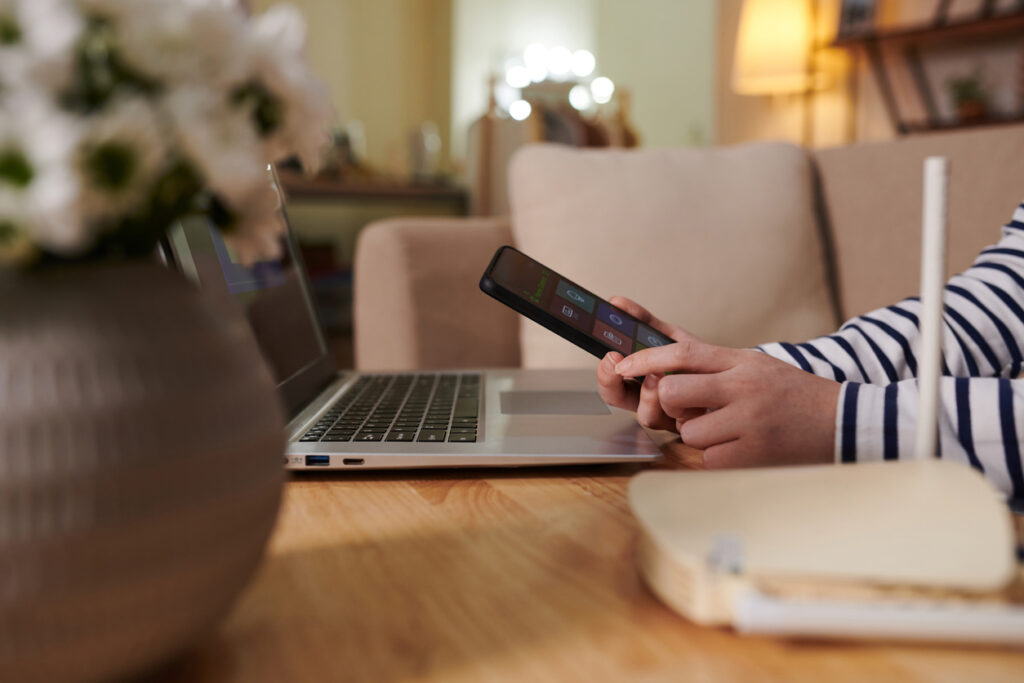
Before recommending a Wi-Fi 7 upgrade, we review your existing devices, firmware and network connections. We account for smart-home products that need a 2.4 GHz connection or particular security settings, with a separately configured wireless network where needed.
We also review switch connections and power requirements before selecting new equipment.
We design and install business Wi-Fi around your staff, visitors and connected equipment. We assess device numbers, busy periods and coverage needs, including connections for printers, payment terminals, building equipment and meeting-room systems.
We configure separate staff, guest and device networks where appropriate, with access rules for shared printers and other equipment.
Before installation, we discuss who will manage accounts, updates and support, including responsibilities shared with your IT provider where relevant.
We test the network in the rooms and outdoor areas agreed for your project, checking connections with representative devices. The checks included in your installation scope may cover:
Testing focuses on the areas and uses identified during the assessment, such as an upstairs workspace or pool house.
At handover, we explain equipment locations, account access and the support responsibilities agreed for your installation.
We base your quote on the coverage you need, your property’s layout and the wiring already available. Access through finished walls, links to detached buildings, outdoor equipment and network configuration all affect the installation work.
We review existing cabling and hardware to identify what can be reused before recommending new equipment.
For Wi-Fi installation in Nassau County or Suffolk County, we discuss the equipment, cabling, installation and configuration your project requires, along with any assessment fees or ongoing support costs where applicable.


 Trustindex verifies that the original source of the review is Google.
 Trustindex verifies that the original source of the review is Google.
 Trustindex verifies that the original source of the review is Google.
 Trustindex verifies that the original source of the review is Google.
 Trustindex verifies that the original source of the review is Google.
 Trustindex verifies that the original source of the review is Google.
To arrange an assessment, tell us where your connection falls short and what you want the network to support. You do not need to choose equipment before getting in touch.
Include whatever you know about:
Those details give us a starting point for discussing what can stay, what needs checking and what your installation needs to include.
Yes. You can usually upgrade your Wi-Fi while keeping Fios or Optimum. We check your connection and provider equipment first, especially if you also have TV or phone service.
Often, yes. Keeping the same name and password can help devices reconnect automatically if the security settings remain compatible. Sonos speakers in a whole-home audio system may still need their network details updated in the app.
You may be offline while equipment is replaced, reconnected or restarted. Tell us about work calls or business hours before booking so we can discuss timing.
Not necessarily. We check the equipment and administrator access first. The previous owner or installer may be able to transfer access. Without access, a reset and new configuration may be needed, replacing existing settings.
A backup connection can help keep you online during a provider outage. It requires compatible equipment and a separate internet service. For cellular backup, signal strength, data limits and power availability matter.


